How it works
One goal, any focuses, a week that adds up.
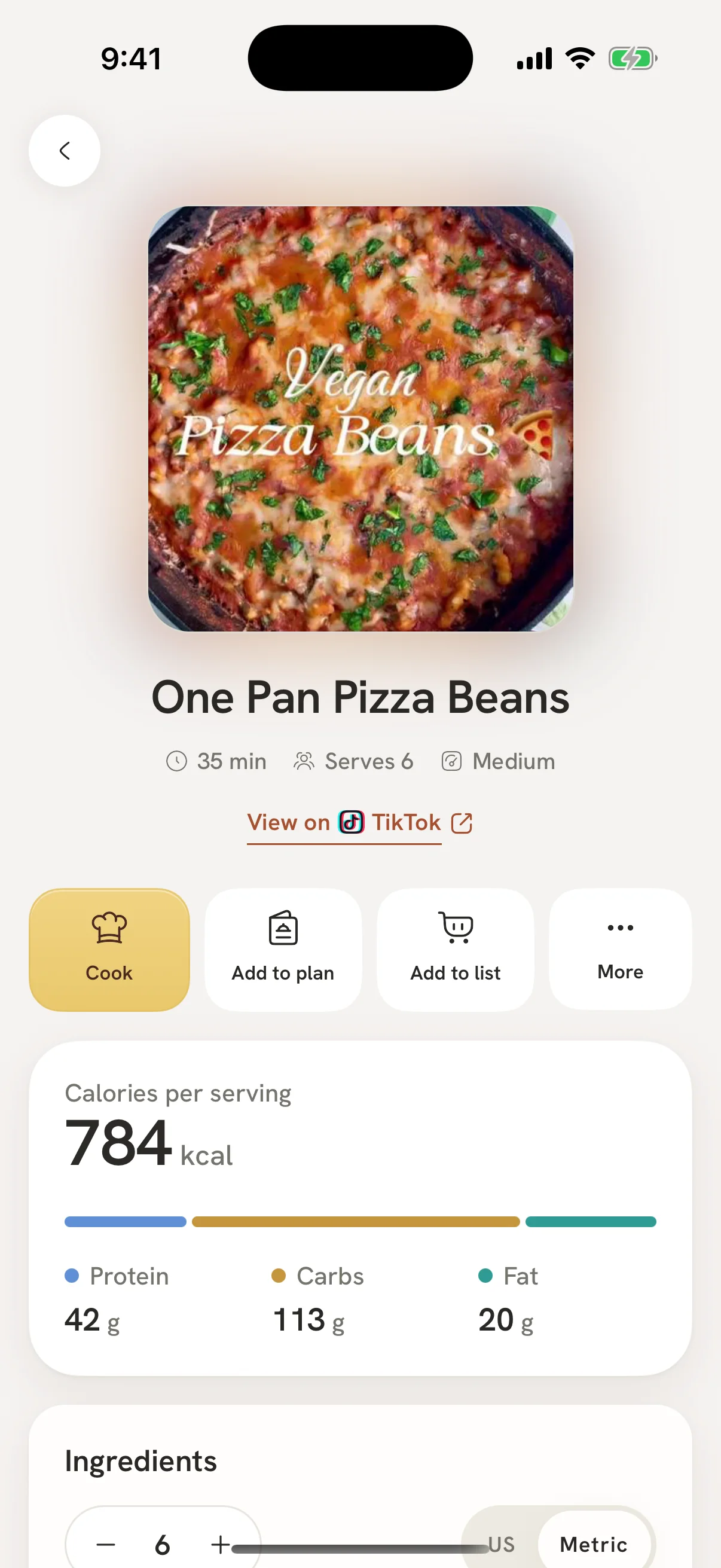
Pick your main goal, add the focuses that matter to you, bring the recipes you love, and Imi plans your week around all of it. Ask for changes any time.
1Pick your goal and focuses
2Import your recipes
3Plan your week
4Snap and adjust
Goals and focuses
One main goal. As many focuses as you need.
Your goal sets the shape of your day: losing weight, building muscle, keeping steady or eating healthier. Focuses add their own targets, cards and planning rules on top, and they stack.
Goals
Health focuses
Women's health
For kidney care, gout or a fluid limit, Imi never suggests numbers of its own. It shows general tips until you enter the limits your care team gave you, then plans to them. With a fluid limit, water becomes a ceiling, not a goal. For gout, purine-rich foods stay off your plan.
Meal planning
A week of meals, built around your numbers.
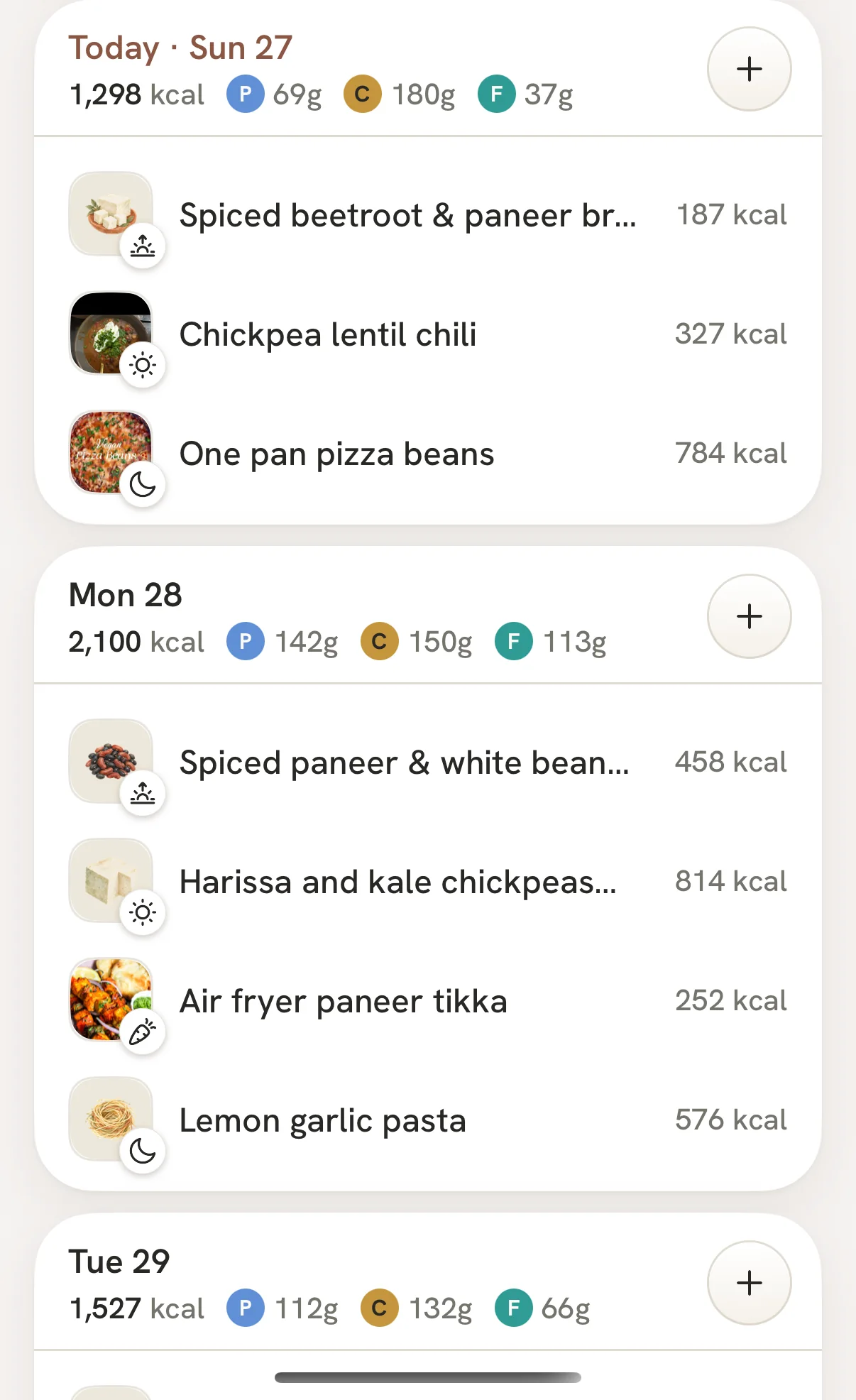
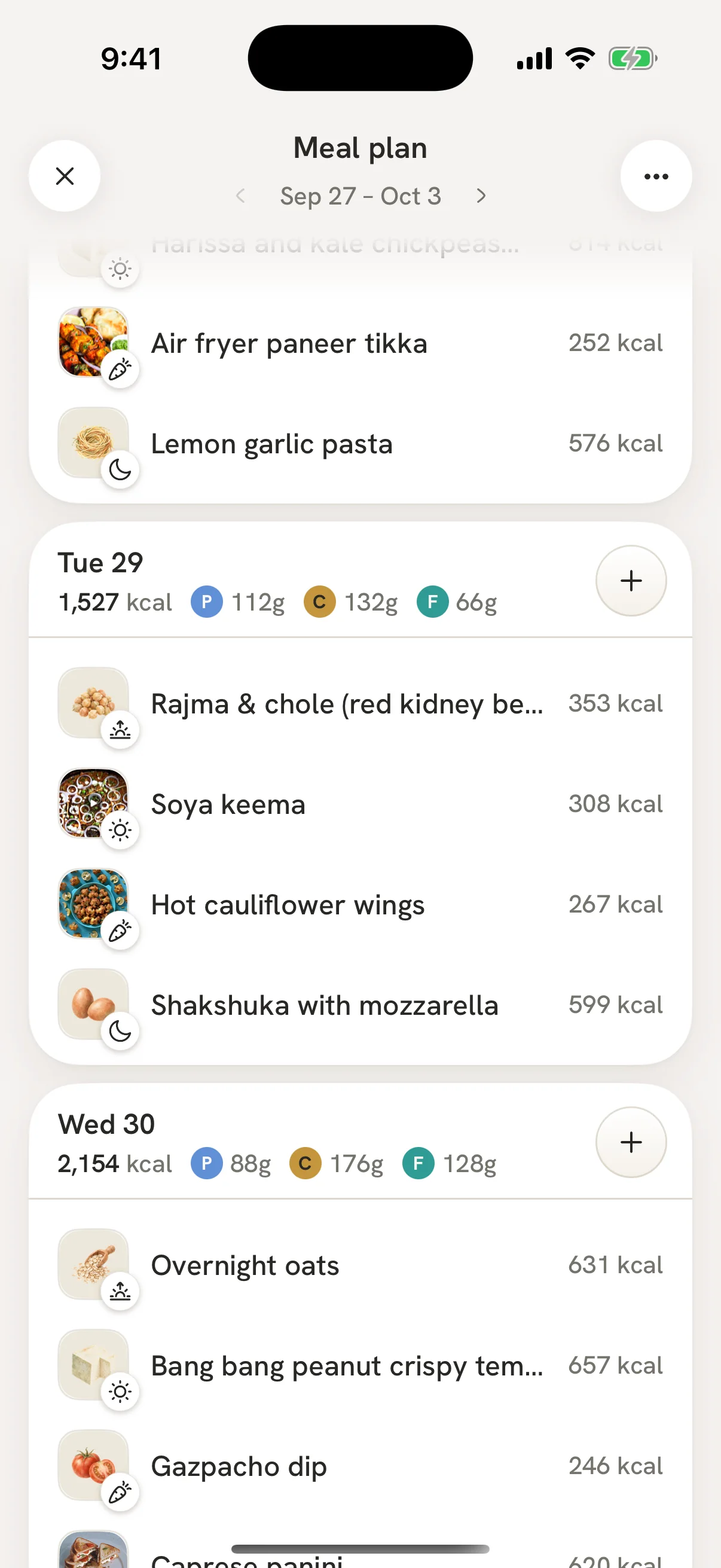
Tell Imi your goal and it plans breakfast to dinner from recipes you actually like, following the rules your goal and focuses set. Every day adds up. Don't fancy Thursday? Swap it, or just ask Imi to, and the numbers still work.
- Planned from your own saved recipes
- Change anything by asking, with Undo
- Swap any meal, and the day still adds up
- A grocery list for the whole week
Logging
Off the plan? Snap it anyway.
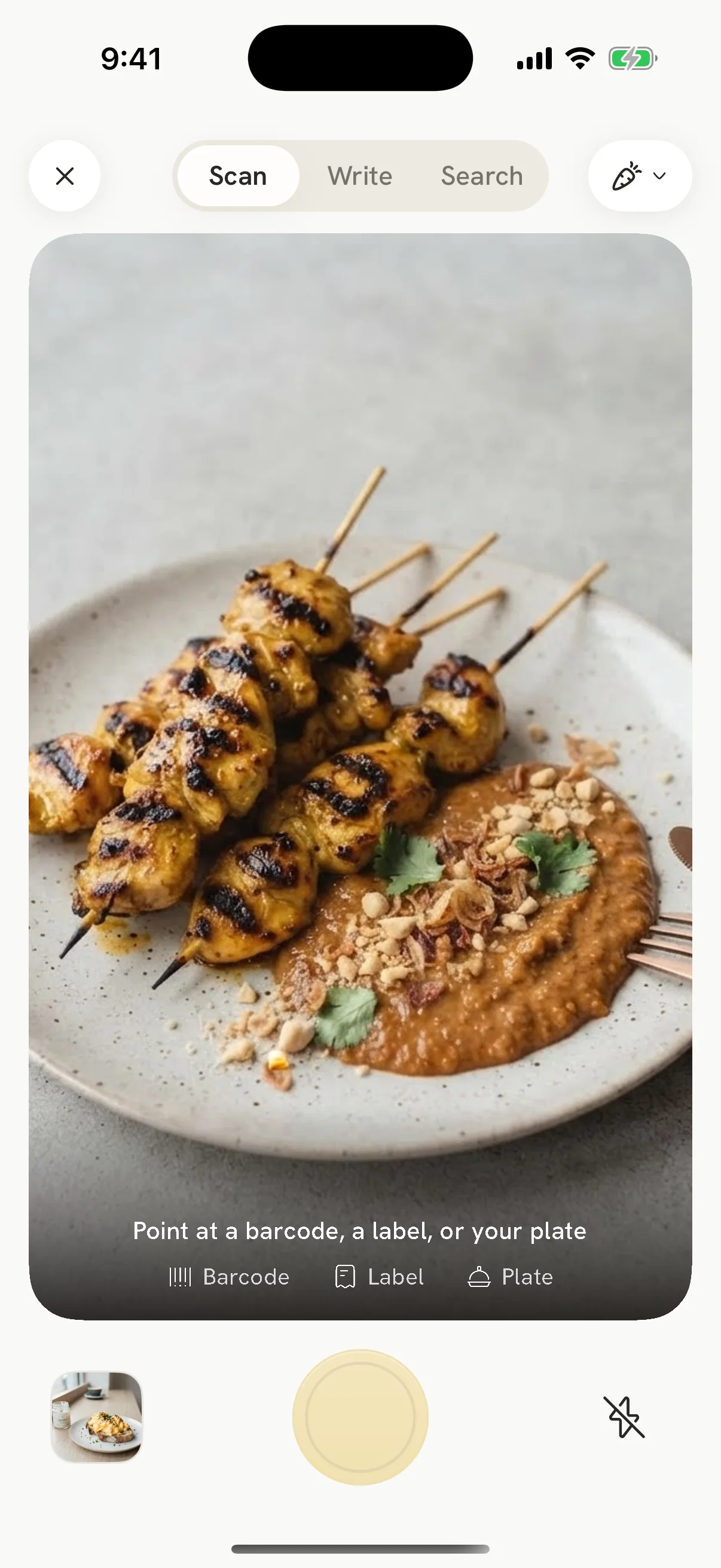
Dinner out, a coffee on the run, lunch at a friend's. Take a photo, scan a barcode, photograph the label, say it or search. Imi works out the calories, protein, carbs, fat and the nutrients your goal cares about, then shows what's left for today.
- Photo, barcode, label, voice or search
- Eaten out counts too
- No judgement, just the numbers
Talk to Imi like someone who knows your plan.
Ask it to plan the week, remake a recipe for your goal, or tell you what to order. Every change comes with Undo.